website is currently being updated
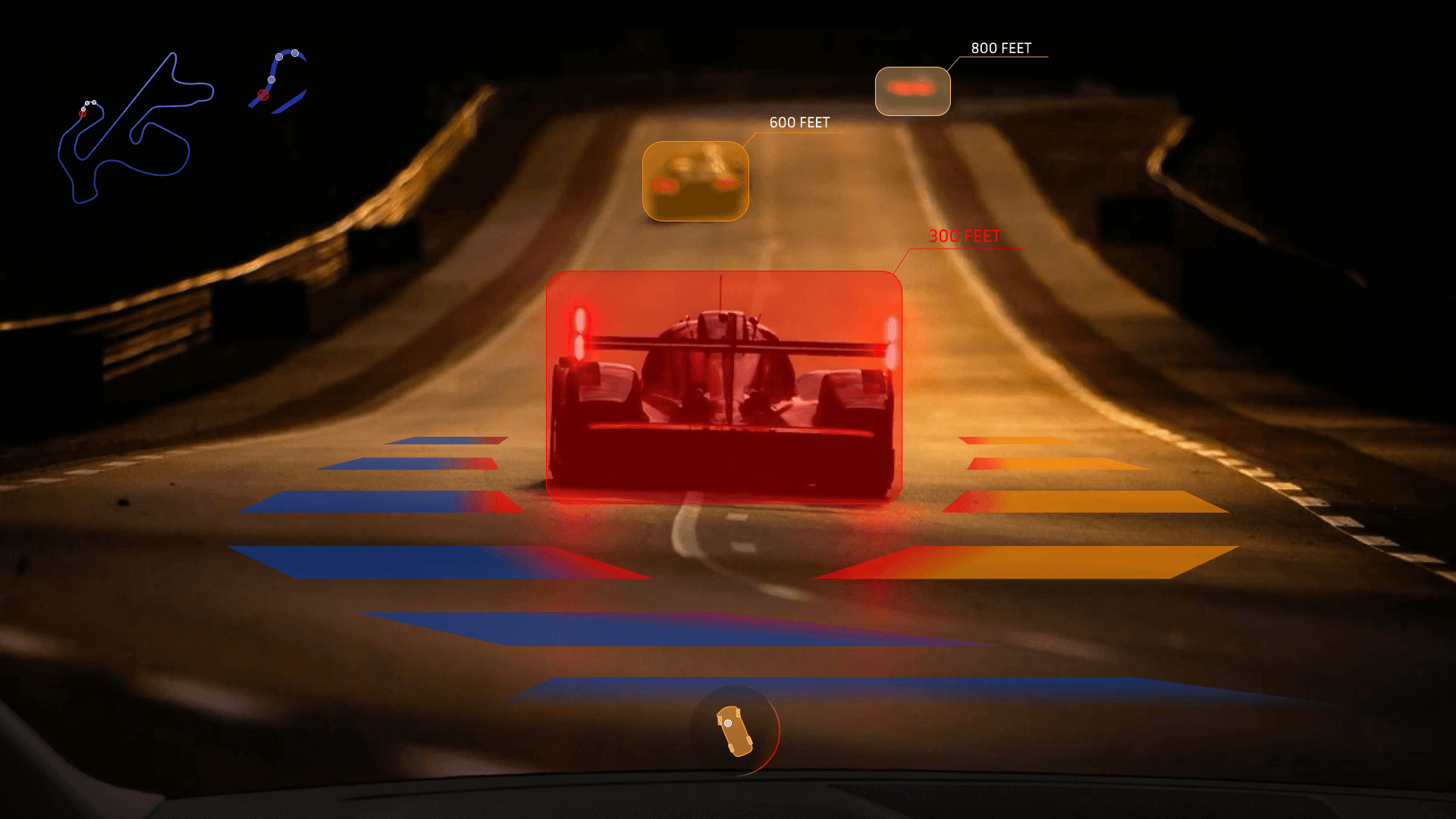
Drift Mode
The Next Generation of Performance
Concept
An AI implemented drift mode that assisted drivers while drifting both on track and on the road.
Problem
Performance driving demands split-second decisions, yet most in-car interfaces today are built for everyday commuting, not high-intensity scenarios like drifting. Critical information is often scattered across multiple displays or even omitted, forcing drivers to divide their attention at the exact moments focus matters most. Drift Mode addresses this gap by delivering a focused, intelligent HUD that adapts to the driving context—supporting performance without compromising safety.
Research
UX AUDIT
UI plays a critical role in shaping the experience and relationship between driver and car. A well-designed UI allows drivers to access key information quickly, reduces distractions, and enhances confidence while operating the complex vehicle at a high speed.

Future Analysis
Future UI will most likely focus on simpler, faster, and more intuitive interactions. UI will aim to enhance the emotional and performance experience while keeping drivers fully engaged.


Pain Points

Leading Question
How might we transform the car's interface into an intelligent co-driver that supports performance driving without interrupting flow?
Solution
Drift Mode is an AI-powered HUD designed specifically for performance driving. By consolidating critical data into a single, glanceable interface, the system adapts in real time to the driver's context — delivering safety cues, proximity warnings, vehicle orientation, and drift guidance directly in the driver's line of sight.
Information Architecture


User types
Drift Mode supports three types of drivers: the enthusiast pushing limits on track, the learner building confidence in controlled environments, and the instructor guiding others toward safer, more precise technique.

Moodboards

Design
Wireframes

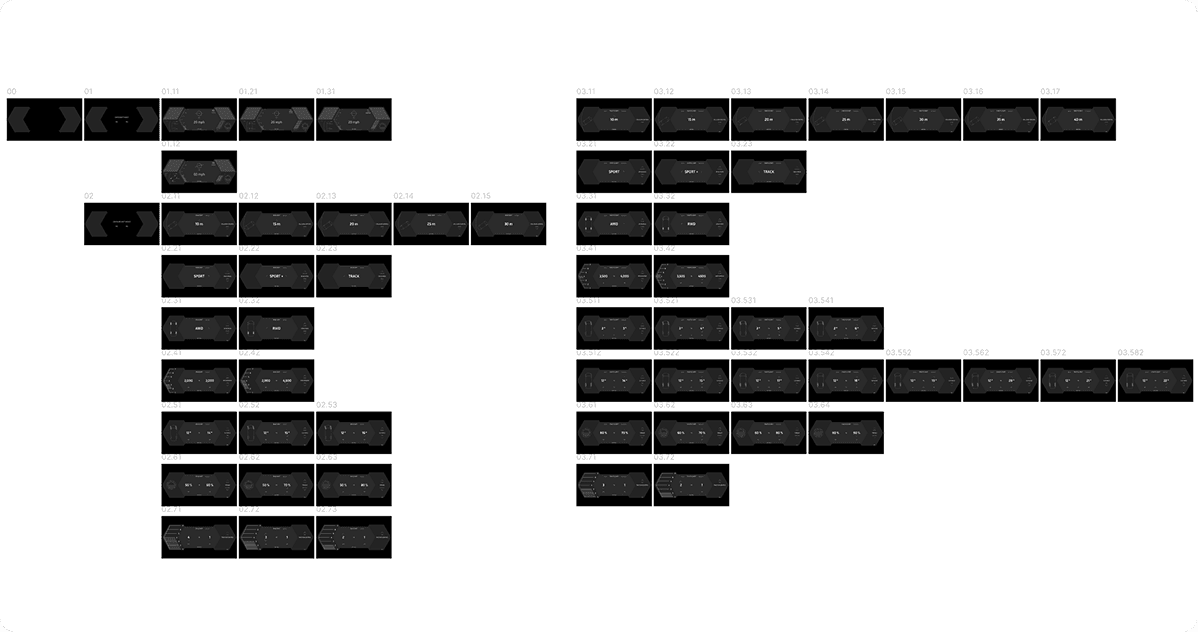
Final Design
Features

Configuration Panel
Centralized vehicle-state indicator that represents the car’s orientation and condition in real time. The gyro visualizes steering angle, tire slip and heat, and body stress through intuitive motion and color cues, allowing drivers to instantly understand the vehicle’s limits at a glance. By translating complex vehicle dynamics into a single, readable form, the system supports safer decision-making during high-intensity driving.
Proximity Awareness
Spatial awareness feature that monitors nearby vehicles and obstacles during high-intensity driving. By visualizing proximity and closing distance directly within the HUD, the system helps drivers maintain spatial awareness during drift maneuvers, reducing collision risk without relying on disruptive alerts.
Edge Collision
Safety-focused feature that detects road edges, drop-offs, and environmental boundaries during high-performance driving. Drift Mode visualizes edge proximity directly within the HUD, providing early, non-intrusive warnings as the vehicle approaches unsafe boundaries—helping drivers maintain control and prevent catastrophic off-road incidents without breaking driving flow.
Guide
Visual guide that traces the optimal drift path and angle during performance driving. By responding dynamically to steering input, speed, and vehicle orientation, the Drift Guide helps drivers maintain controlled drift lines while avoiding overcorrection. The guide supports precision and safety by reinforcing smooth, intentional inputs rather than aggressive, reactive steering.